

Technical SEO Checklist: Get Your Corporate Site Ready for Search Engines
SEO isn’t just keywords. A practical technical SEO checklist for corporate sites — from indexing and speed to structured data and multilingual setup.
Read more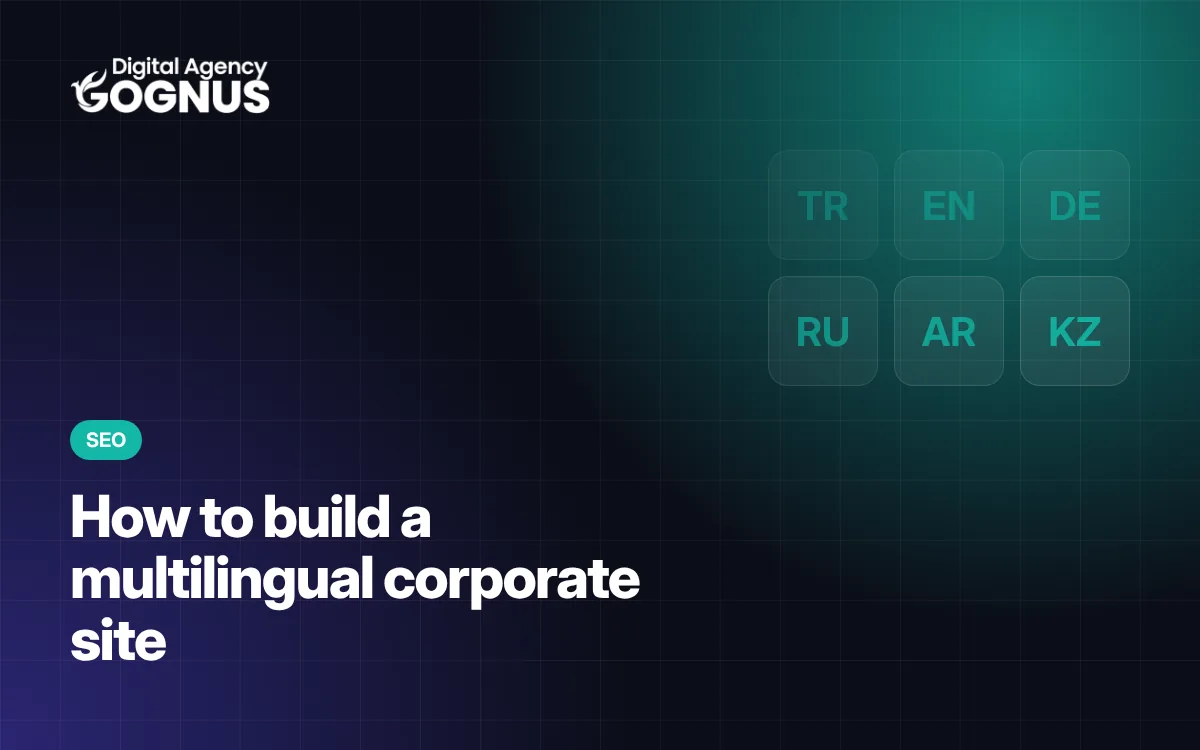
For a business selling products or services to Kazakhstan, Uzbekistan, Russia or Europe, a multilingual website is not a luxury but a necessity. However, building a multilingual site is not just about translating texts and adding a language button. A badly built multilingual site may not appear in search engines at all. Here is a guide to doing it right.
Choose languages according to your target markets. For example, Russian may be the priority for a construction company working in Central Asia, and English for a textile manufacturer with international customers. Every language means separate content that has to be maintained; start with as many languages as you actually need.
For search engines to see and index each language separately, each language must be published at its own address. Common methods:
| Method | Example | Note |
|---|---|---|
| Subfolder | company.com/en/ | Usually the most practical option for corporate sites |
| Subdomain | en.company.com | May require separate management |
| Country domain | company.kz, company.uz | Strong country-specific signal, more management |
hreflang tells search engines a page’s equivalents in other languages. That way, a user searching in Russian is shown your Russian page and a user searching in Turkish your Turkish page. Every page should list all language versions, including itself, and specify an x-default.
Machine translation can help with a draft, but on a corporate site the texts should be checked by someone who knows the language well. Technical terms, units and currency formats, date formats and forms of address should be adapted to each language.
For languages that use the Cyrillic alphabet, such as Russian, the chosen typeface must support those characters. If it doesn’t, a suitable fallback font should be defined; otherwise headings will look broken. The same applies to right-to-left scripts such as Arabic.
Offering visitors a language choice on their first visit and remembering their preference is a good experience. But search engine bots should never be redirected automatically; every language version must be reachable directly at its own address.
Every language’s pages should be in the sitemap. Fix hreflang errors by monitoring the international targeting and indexing reports in Search Console. For a broader technical list, see our technical SEO checklist.
It can help with a draft, but on a corporate site the texts should be corrected by a native speaker or a professional translator. Poor translation damages trust.
Rather than forcing a redirect, it is better to offer a language choice and remember the visitor’s preference. Search engine bots should never be redirected automatically.
We build corporate sites published in Turkish, English, German, Russian and Arabic. For our references in Kazakhstan and Uzbekistan, see our references page or request a quote.

Field notes from our team building corporate websites, custom management panels and WordPress solutions.
Review the scope, process and what's included, or request a free quote in 2 minutes.
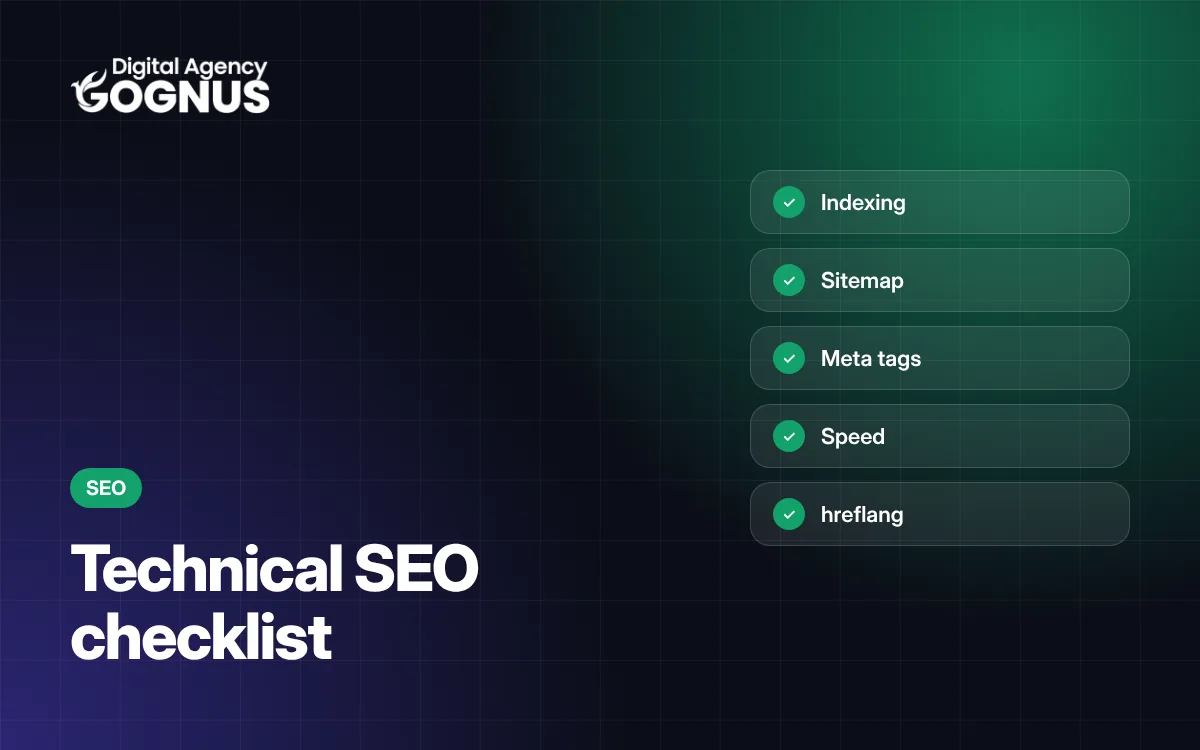
SEO isn’t just keywords. A practical technical SEO checklist for corporate sites — from indexing and speed to structured data and multilingual setup.
Read more
Everything you need to know before getting a corporate website built — from setting goals and choosing an agency to preparing content and post-launch maintenance.
Read more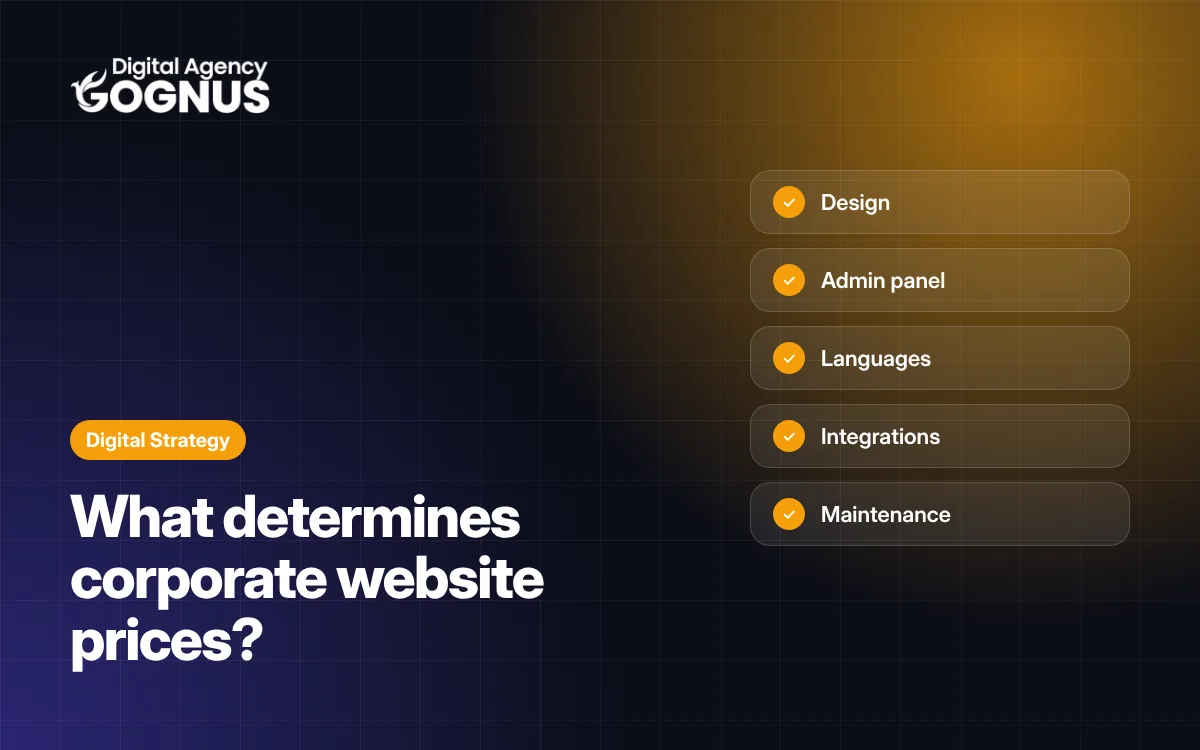
Why can two corporate website quotes differ so much? We explain the 10 factors that determine the price and how to compare quotes properly.
Read more