
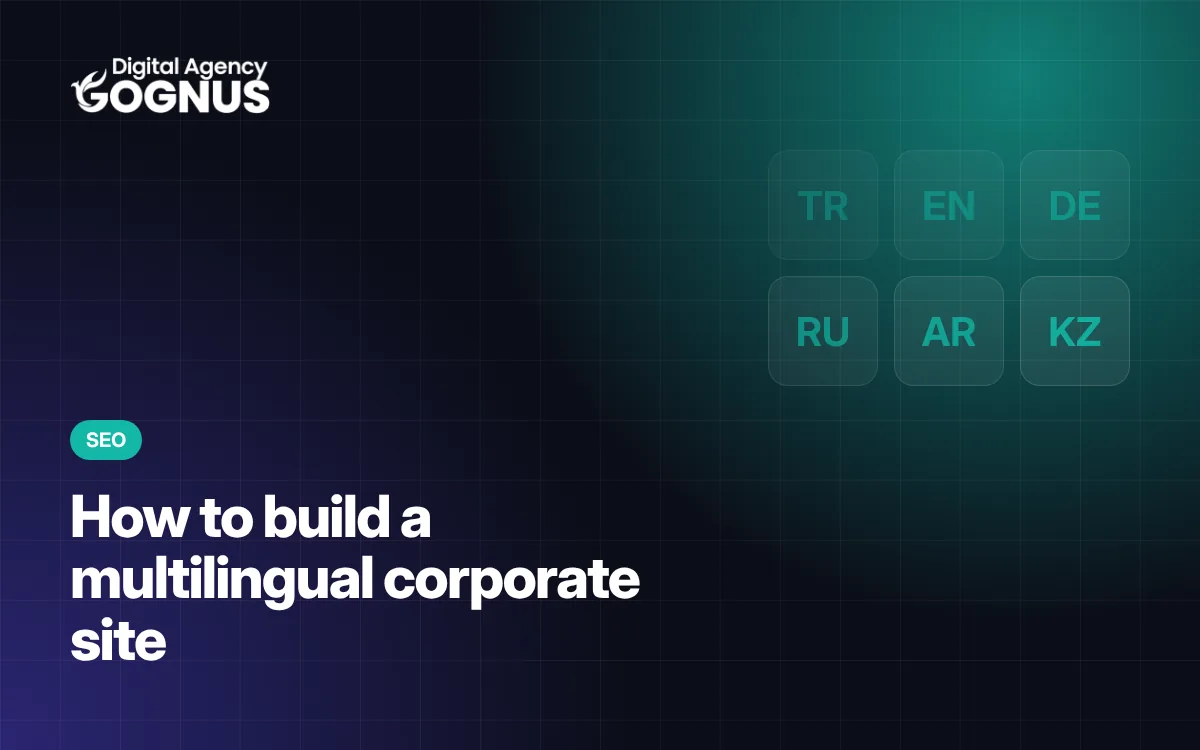
How to Build a Multilingual Corporate Website: URLs, hreflang and Content
The right way to build a multilingual site for businesses going international: URL structure, hreflang, translation quality, forms and search engine compatibility.
Read more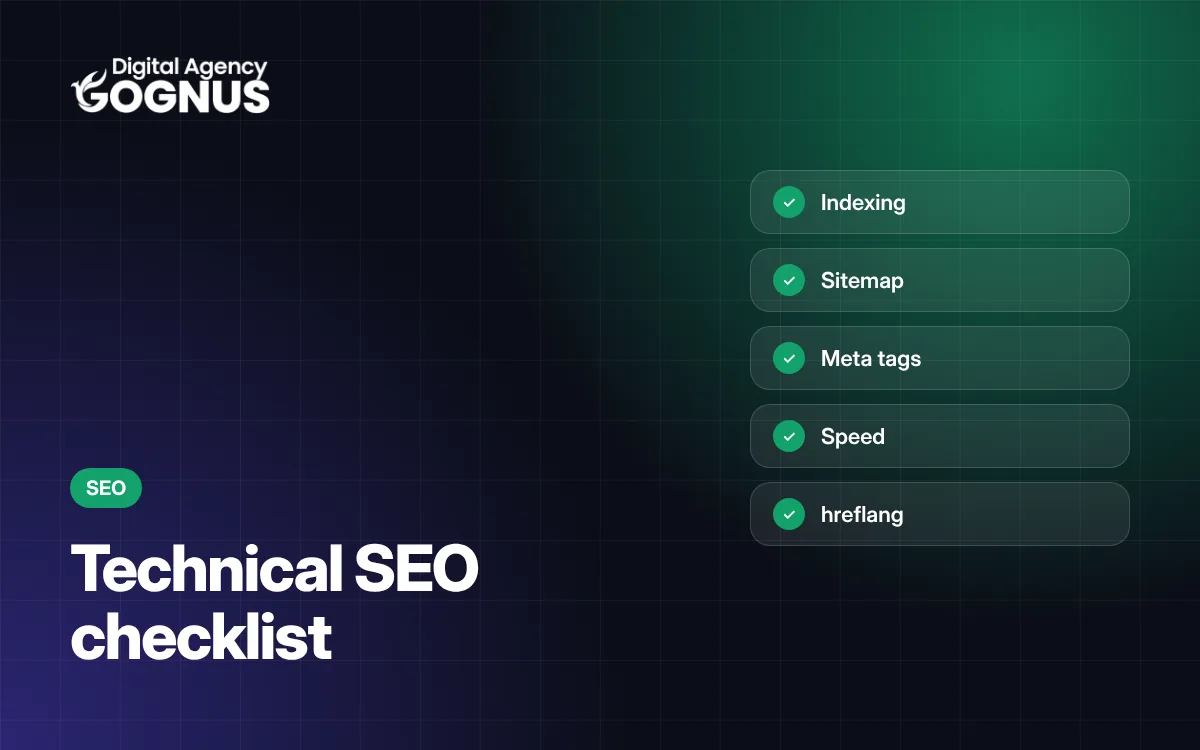
For a corporate website to appear in search engines, search engines first need to be able to crawl it without problems, understand it and trust it. That is exactly what technical SEO provides. You can apply the checklist below step by step when building or relaunching your site.
noindex.An XML sitemap lists the important addresses on your site for search engines. WordPress’s built-in sitemap (/wp-sitemap.xml) is enough for most corporate sites; on multilingual sites the addresses of every language should be included too. Submit the sitemap to Search Console.
/hizmetler/web-tasarim/.Structured data tells search engines what a page is about in a machine-readable way. The basic schemas for corporate sites are Organization / ProfessionalService (company details), WebSite, BreadcrumbList (page path), Service (service pages), BlogPosting (blog posts) and FAQPage (FAQs). Validate them with Google’s Rich Results Test.
Recommended thresholds for Core Web Vitals, Google’s page experience metrics:
| Metric | What does it measure? | Good value |
|---|---|---|
| LCP | Time for the largest content to appear | ≤ 2.5 s |
| INP | Response time to a click/tap | ≤ 200 ms |
| CLS | Page shift during loading | ≤ 0.1 |
Ways to improve: serve images in WebP at the right size, give images width/height (prevents shifting), don’t load unused CSS/JS, defer scripts (defer), and use caching and a good server.
Google evaluates sites primarily by their mobile version. On mobile, the content should be complete, text readable, buttons touch-friendly and there should be no horizontal scrolling.
If you publish in more than one language, each language should be at its own address (such as /en/, /ru/) and pages should be linked to each other with hreflang tags. Setups that change the language only via a cookie cannot be seen by search engines. For details, see our multilingual site guide.
The site should run over HTTPS from start to finish. Hacked sites fill up with spam pages in search results and suffer serious losses in visibility. For security measures, see our website security guide.
Link to your important pages (service pages, quote page) from blog posts and other pages with meaningful anchor text. Internal links guide visitors and show search engines which pages matter.
Technical SEO organises the foundation so that search engines can crawl and understand your site without problems (speed, indexing, structure). Content SEO is about creating pages that answer visitors’ questions accurately and thoroughly. The two work together.
Google’s recommended thresholds are: LCP (loading of the largest content) 2.5 seconds or less, INP (response to interaction) 200 milliseconds or less, and CLS (visual shift) 0.1 or less.
Technical fixes can be crawled and reflected within a few weeks; visibility for competitive keywords develops over time with regular content. No exact timeline or ranking can be guaranteed.
Let’s review your site’s technical SEO together: find out more about our SEO and technical site improvement service.

Field notes from our team building corporate websites, custom management panels and WordPress solutions.
Review the scope, process and what's included, or request a free quote in 2 minutes.
The right way to build a multilingual site for businesses going international: URL structure, hreflang, translation quality, forms and search engine compatibility.
Read more
Everything you need to know before getting a corporate website built — from setting goals and choosing an agency to preparing content and post-launch maintenance.
Read more
Why can two corporate website quotes differ so much? We explain the 10 factors that determine the price and how to compare quotes properly.
Read more